Editorial notes
MiniMax H3 Max at a glance
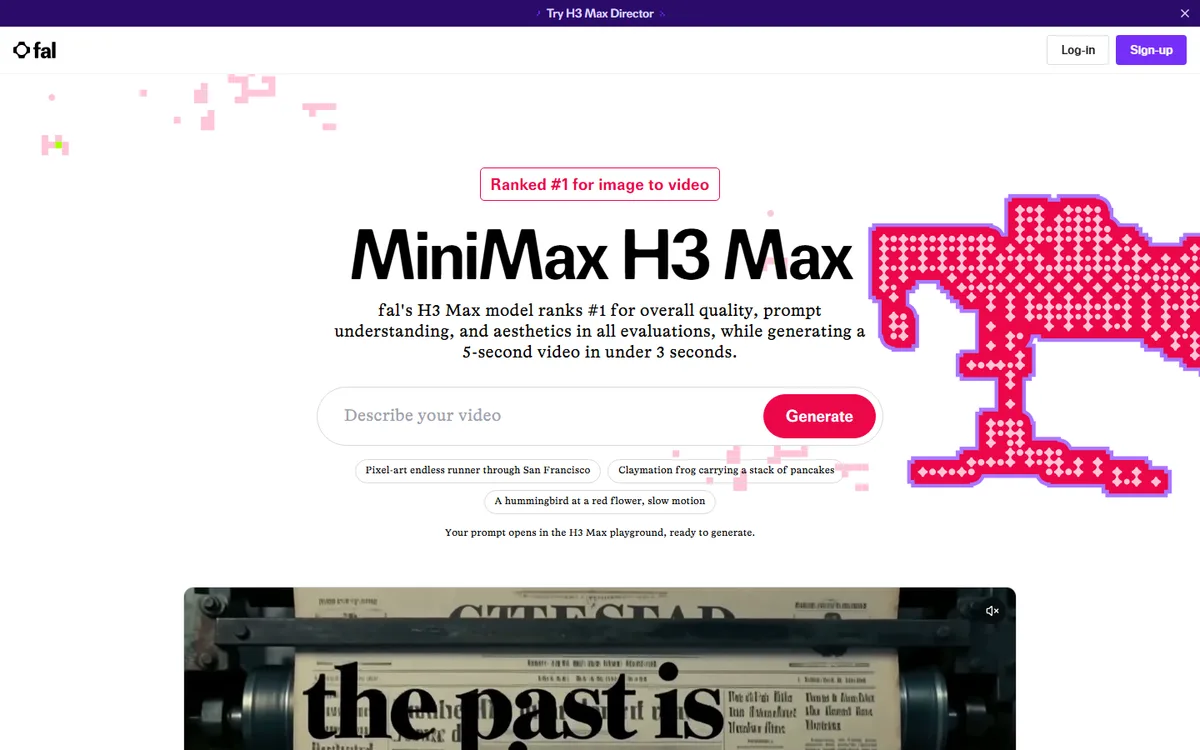
MiniMax H3 Max needs a precise name before it is compared with an original vendor endpoint. It is fal’s post-trained variant of the open-weight MiniMax H3 base model, developed and hosted by fal rather than MiniMax’s standard H3 service. That distinction matters for both the evidence and the buying decision. fal positions H3 Max as a model tuned for prompt adherence and aesthetics, with an inference stack designed for high throughput. The available product routes cover text-to-video, image-to-video, and reference-to-video. The output is a clip, not a persistent visual session.
fal says a five-second H3 Max video is generated in approximately three seconds. This is best recorded as a vendor-reported generation-completion and throughput result for a specified generation, not as backend queue time, end-to-end application response time, or a service-level agreement. It does support a near-real-time classification: the stated generation is faster than the duration of the resulting clip. It does not support a native classification. A person cannot keep steering an already-running H3 Max scene frame by frame in the way they can steer a continuous world or transform a camera feed.
The official product material describes five- to fifteen-second clips at 480p or 768p, with synchronized audio. At 16:9, the 768p setting is listed as 1344 by 768 at 24 frames per second. That 24 FPS figure describes the cadence of the delivered asset; it is an output frame-rate specification, not evidence of 24 interactive responses each second. Similarly, fal’s comparisons to the official MiniMax H3 endpoint are model-throughput comparisons, not a promise about browser upload, request queuing, download, moderation, or a user’s total wait.
Where speed helps—and where it does not
Fast clip production changes a review loop. A creative producer can write a short shot description, attach a starting image where useful, request a take, and decide whether the movement, sound, and composition are worth another pass. That is useful for previsualization, social concepts, product moments, motion tests, or a pipeline that needs a short generated insert. The reference route can be relevant where a team needs conditioning from supplied files, but the ownership and permissions for every supplied asset remain the implementer’s responsibility.
It is less suitable for a live host, game camera, virtual try-on, or user conversation in which the image must react continuously. A three-second clip can be quick, yet it is still a discrete asset with a start and finish. Design the experience accordingly: show a clear generating state, make retry behavior explicit, avoid promising immediate feedback, and preserve the prompt, inputs, model route, output settings, and approval status for review. Test on the actual integration path rather than extrapolating from a benchmark or a playground demonstration.
The fal product page advertises five free generations per day and API access after that allowance, while the model endpoint exposes metered usage. Those are access descriptions, not a durable procurement commitment. Check the current endpoint pricing, commercial terms, concurrency, regional availability, retention behavior, and any queue rules before estimating a campaign. The launch announcement mentions an introductory discount, which should not be carried into a long-term budget without reopening the pricing page.
A practical evaluation
Run a compact but disciplined test set: a product shot, a human-action shot, a branded scene, an image-conditioned motion test, and an audio-dependent prompt. Score adherence separately from visual appeal and delivery time. Record request submission, first completed result, total elapsed time, retries, and cost. If your application needs a reliable deadline, include a fallback still or conventional edit, because a vendor generation-completion figure is not an availability guarantee.
Choose H3 Max when a short generated clip can be reviewed after each request and faster-than-playback iteration is valuable. Compare Runway when its production tools and short-clip controls fit the team, PixVerse R1 or Decart when the requirement is truly continuous interaction, and World Labs when the deliverable is a persistent navigable environment rather than a video asset.
 AI Live Video