Editorial notes
World Labs Marble at a glance
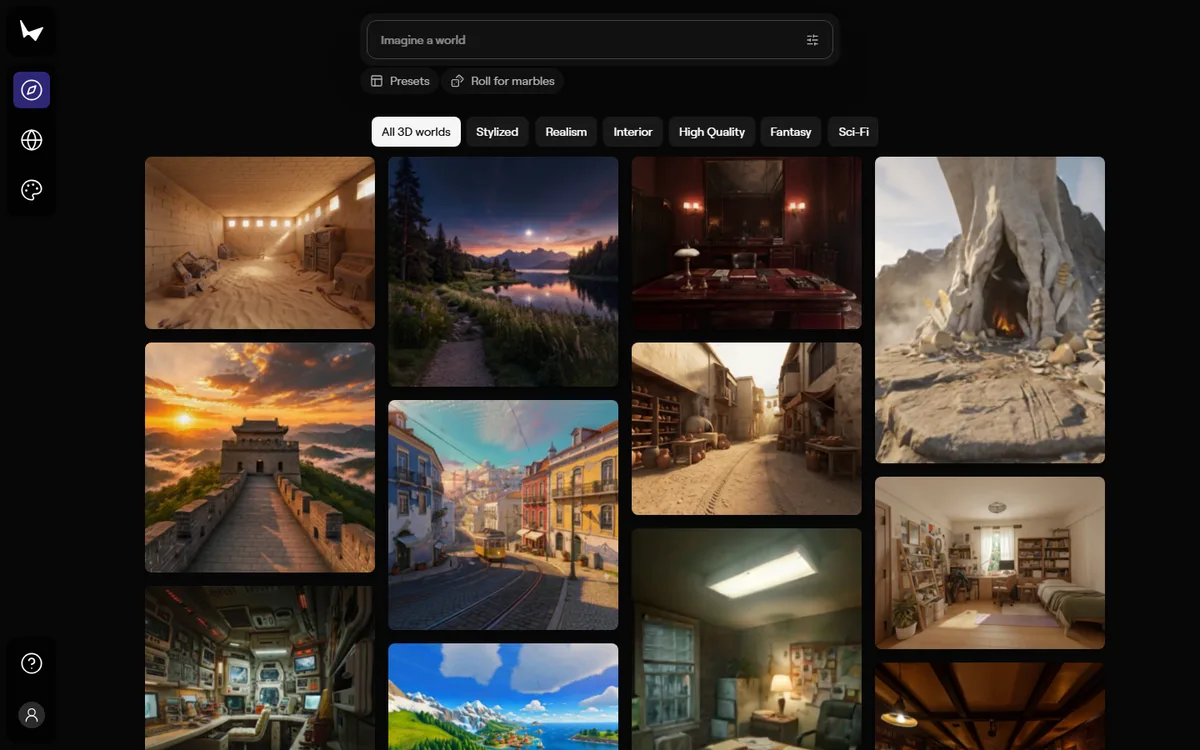
World Labs Marble is a useful boundary case for a real-time-generation directory. It makes persistent, high-fidelity three-dimensional worlds from text, an image, multiple images, video, or coarse 3D structure. Users can then edit, expand, combine, export, and explore those worlds. That makes it relevant to live-video production, simulation, XR, and interactive environments when a generated spatial asset feeds a later experience. It is not, however, a generator that continuously redraws a video feed while a viewer interacts. Marble belongs here as a workflow integration, not as native or near-real-time live video.
The official documentation is candid enough to make the distinction. Marble estimates roughly 30 seconds to create a panorama from text, an image, or a 3D structure; roughly two minutes for a panorama from multi-image or video input; around 20 seconds for a draft; around five minutes to create or expand a world; and around an hour for a high-quality mesh. These are backend-processing estimates for named operations. They are not model inference benchmarks, delivered-video frame rates, queue commitments, or end-to-end response guarantees. They make a good planning baseline precisely because they are slow enough that a production should use pre-generation rather than pretend it can react live.
Choosing a model and access path
Marble offers several models with a clear speed-and-cost tradeoff. The documentation calls Marble 1.0 Draft its fastest model, intended for quick idea exploration and prompt testing, while Marble 1.1 is recommended as a general starting point and Marble 1.1 Plus is meant for larger worlds. The label “fastest” is qualitative product language; the approximately 20-second draft estimate supplies the more meaningful time context. A team can use drafts to narrow an art direction, then run a higher-quality world generation only after an approved input is ready.
The Marble web app has a Free plan with up to four world generations and supports text, image, multi-image, and 360 panorama inputs. Standard adds video input, exports, and Draft mode; Pro adds expanded worlds, enhanced rendered-video outputs, higher-quality mesh export, and commercial rights. These are official plan limits at verification time, not assumptions about API usage. The API is a separate product path: its documentation requires a World Labs Platform account, a payment method, purchased API credits, and an API key. Marble subscription credits cannot be used as API credits. That separation is important for both a prototype budget and an implementation handoff.
The World API supports Marble 1.1, 1.1 Plus, 1.0, and 1.0 Draft model values and accepts a task that can produce a world from text, images, multiple images, or video. It returns a world record and assets after the operation completes. That is a normal asynchronous generation workflow. Build a status UI, preserve an input-to-world audit trail, and let a user revisit a completed world instead of blocking a live interface waiting for a spatial result.
Operational fit
Marble can produce useful material for a live production without becoming the live production engine. A broadcaster might generate a virtual set beforehand, export a splat or mesh, and bring it into a renderer. A training team might make a space for a later interactive module. A creative department could produce a camera path or cinematic recording after art direction is accepted. In all cases, test the exported format, rights, target device, navigation performance, and render pipeline before committing it to a show.
Mobile access is available, but the documentation recommends desktop for the full feature set because some advanced creation, editing, 3D-structure, and panorama capabilities are not supported on mobile. Add that constraint to a production brief. Also consider input rights, any sensitive imagery in source video, world sharing permissions, and the retention of generated assets.
Choose Marble when the desired result is a persistent spatial world that will be refined or explored after it is generated. Choose PixVerse R1 for an actively changing world during a session, Decart for live transformation of an incoming feed, and MiniMax H3 Max or Runway for short rendered video assets.
 AI Live Video