 AI Live Video
AI Avatars & Digital Humans
HeyGen
A practical choice when a team needs scripted avatar video and a separately priced streaming-avatar path.
Best for: Teams pairing pre-produced avatar clips with an interactive web experience
View detailsAI Avatars & Digital Humans · AI Video Agents
D-ID is an avatar-video platform with a separate Realtime Agents offering for streamed interactive avatar experiences.
Visit official website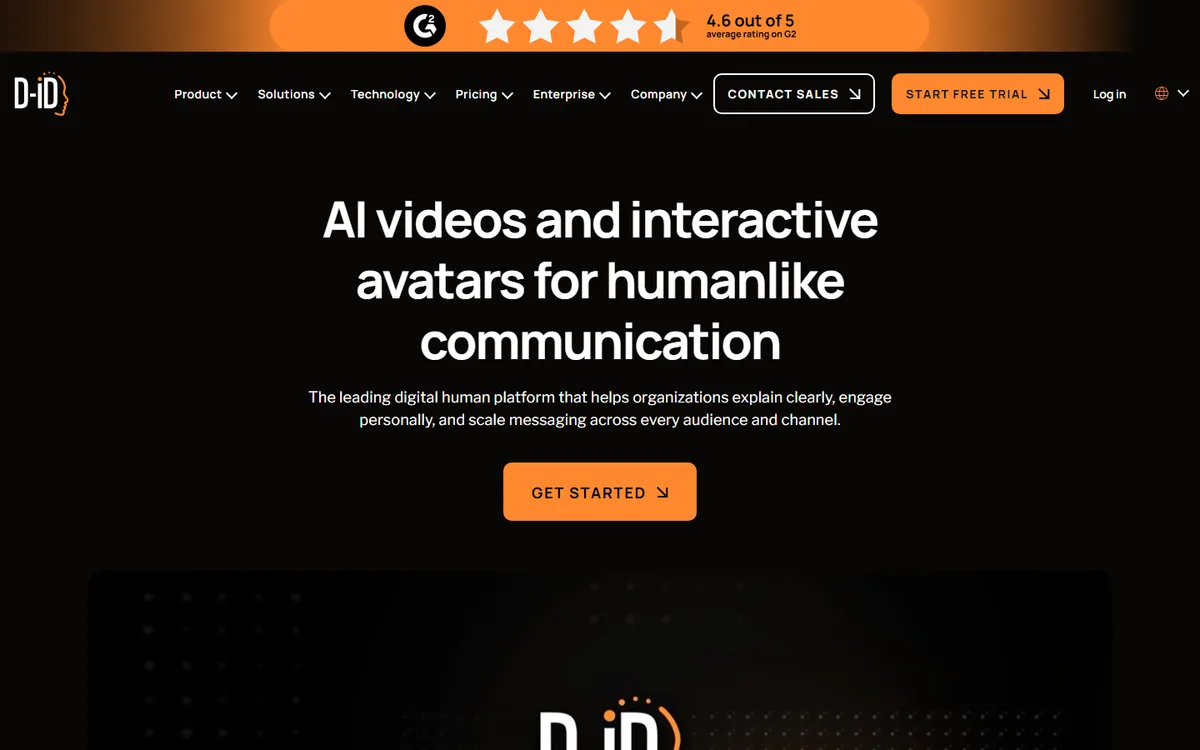
An API-first option for teams that need generated avatar video and documented WebRTC real-time agent sessions.
Best for: Engineering teams building a visual agent with custom knowledge and web delivery
D-ID needs a product-level distinction before it can be assessed honestly. Its documentation presents generated-video APIs and Realtime Agents as different paths. The Quickstart describes an Agent session that uses WebRTC, while video generation remains a request-and-result workflow. This profile therefore assigns native real time to Realtime Agents only. It does not describe every D-ID video as a live interaction, and it does not turn an asynchronous media API into a latency promise.
That split is appealing to engineering teams that may need both forms of delivery. A team can generate a reviewed avatar video for a campaign or embed a Realtime Agent in a web experience with its own knowledge and user interface. The official API pricing page offers a Start Free Trial, but the cited page should not be used to infer specific paid streaming allowances. Confirm current paid streaming terms, agent access, and any usage limits directly with D-ID before building a budget.
For generated media, design around a submit, monitor, retrieve, and review cycle. Use a script with the names, measurements, timing, and corrections that appear in actual business content. Capture the generated asset, examine speech and lip movement, review subtitles, and make the final file available only after an editor approves it. The value of an API is repeatability: a product can generate assets from a template, but it still needs input validation, rate control, storage rules, and a publication review step.
A Realtime Agent has a different operating model. The WebRTC session makes the video connection native, but the surrounding application determines whether a conversation is useful or safe. The application needs a narrow purpose, an authenticated session, a knowledge source with ownership and refresh rules, a prompt or policy layer, and escalation behavior. Test microphone denial, camera availability if used, dropped connections, a slow upstream answer, interrupted speech, and a user who requests a human. Record measurements separately for token acquisition, connection establishment, first audible response, and recovery after a network change.
A visual agent can make a response feel personal, so identity and disclosure deserve deliberate treatment. State when a visitor is talking to an automated system. If the experience uses a custom likeness, document the individual’s consent, approved contexts, account ownership, and retirement process. Limit the agent to approved domains, particularly when it could be asked for medical, legal, financial, or sensitive account information. Keep operational logs useful enough to investigate faults without collecting more conversation content than the service requires.
The video and agent paths also produce different cost drivers. A video program may be driven by output duration, rerenders, languages, or asset storage. A live agent may depend on session duration, concurrency, model usage, and support traffic. Budget them separately and run a pilot large enough to reveal repeated behavior, not just a one-off welcome message. This is especially important when a generated video library and a real-time assistant appear under the same vendor account.
Choose D-ID when an engineering group wants a documented WebRTC visual-agent route alongside separate generated-video capabilities. It is a good candidate for a product team that is prepared to own its integration and evaluate knowledge quality as well as avatar presentation. HeyGen is useful to compare when studio video and LiveAvatar sit together in a broader creation suite. AKOOL is a more directly implementation-oriented streaming comparison. Synthesia and DeepBrain AI are closer references when the central need is a planned, reviewed presenter video. Validate the two D-ID workflows independently before selecting either one.
Native for documented Realtime Agents sessions while video-generation APIs remain a separate asynchronous workflow.
Last verified:
AI Avatars & Digital Humans
A practical choice when a team needs scripted avatar video and a separately priced streaming-avatar path.
Best for: Teams pairing pre-produced avatar clips with an interactive web experience
View detailsAI Avatars & Digital Humans
A fit for planned branded presenter videos when the work is production rather than a native live-avatar session.
Best for: Learning and communications teams producing repeatable scripted video
View detailsAI Avatars & Digital Humans
A developer-oriented streaming-avatar option for teams prepared to run WebRTC sessions and secure backend APIs.
Best for: Product teams building a browser-based conversational avatar with owned session infrastructure
View detailsAI Avatars & Digital Humans
A candidate for scripted avatar production with conversational options that need separate entitlement and latency verification.
Best for: Teams creating scripted training, marketing, and internal presenter videos
View details