 AI Live Video
AI Avatars & Digital Humans
HeyGen
A practical choice when a team needs scripted avatar video and a separately priced streaming-avatar path.
Best for: Teams pairing pre-produced avatar clips with an interactive web experience
View detailsAI Avatars & Digital Humans
Synthesia creates scripted AI-avatar videos with published plan details, avatar options, and enterprise integrations.
Visit official website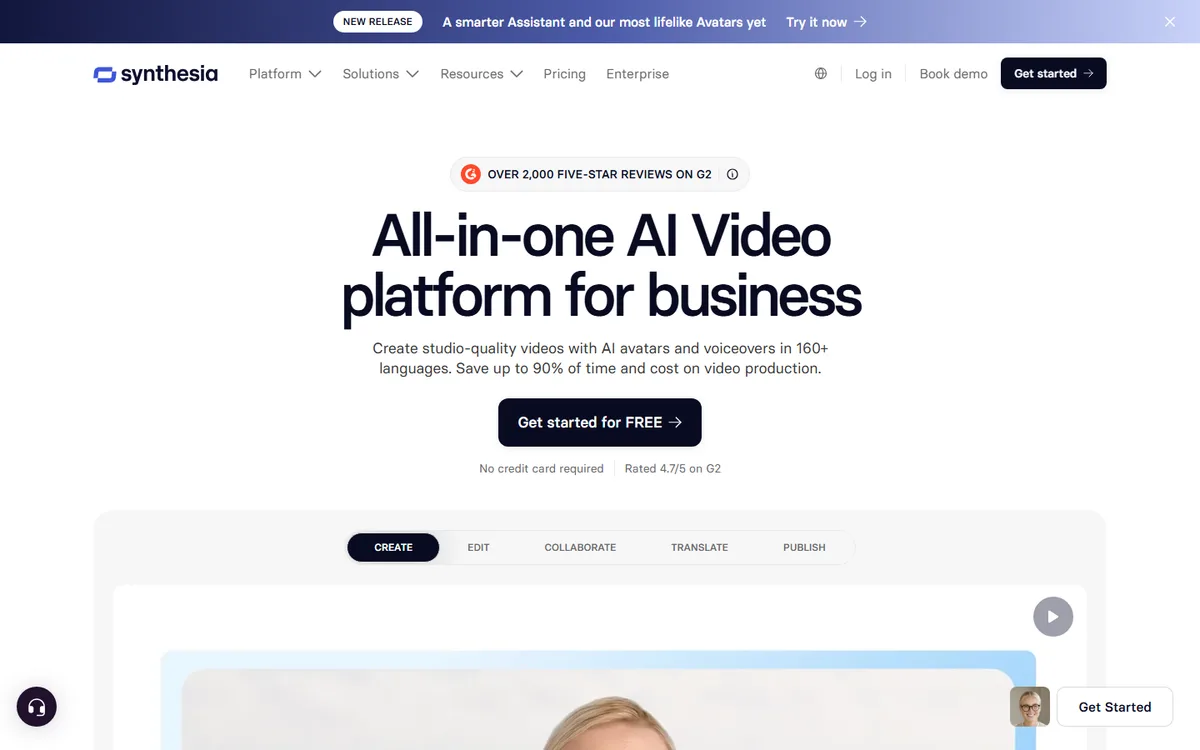
A fit for planned branded presenter videos when the work is production rather than a native live-avatar session.
Best for: Learning and communications teams producing repeatable scripted video
Synthesia is best approached as a controlled video-production environment, not as a customer-facing live video call. Its official material presents avatar choices and plan tiers for creating scripted videos. The avatar-type guidance distinguishes stock avatars, personal avatars, Studio avatars, and Avatar Builder. That choice is consequential: each option changes the source material, approval path, brand control, and lead time involved in making a presenter video.
The public pricing page lists Free, Starter, Creator, and Enterprise routes, with credits and add-ons varying by plan. That provides an accessible way to trial the editor, but a buyer should confirm the current plan, territory, billing cycle, and enterprise terms before committing a program. The presence of an API does not turn the standard editor into a streaming service. This profile therefore classifies normal Synthesia production as a workflow and makes no claim about native live-session latency.
Synthesia is particularly suited to content that benefits from controlled reuse: policy explainers, software training, internal updates, product introductions, and localized learning modules. Start with a short approved script that contains a product name, a number, a date, a transition, and a correction request. That gives reviewers practical material to assess instead of a generic marketing sentence. Build one version with a stock avatar and, where permitted, one with the intended custom-avatar route. Compare voice delivery, screen composition, caption timing, and how clearly the visual structure supports the message.
The avatar selection should follow the content risk. A stock avatar is often enough for a routine explainer. A personal avatar requires clear authorization from the individual and agreement about future use. Studio and Avatar Builder options should be evaluated for the organization’s desired level of visual control, the production process, and the approval time they introduce. Keep a record of which likeness, voice, source files, and account owner were authorized; that record is as operationally important as the finished file.
Localization should be treated as editorial work. AI dubbing and translated output can speed a workflow, but a reviewer who understands the target audience should validate terminology, pronouns, dates, product names, safety notes, captions, and onscreen text. For regulated, legal, financial, or health content, establish a sign-off step before publishing. A convincing presenter cannot compensate for an outdated or mistranslated script.
The strongest pilot is a small content pack rather than a single isolated render. Produce a short course introduction, a policy update with a slide, and a localized product announcement. Track revision count, creator time, credit consumption, review time, and the publication path to the LMS or video host. If the team needs interactive learning elements, verify the relevant plan’s support for its intended delivery format rather than assuming that every exported video behaves the same way.
Treat published prices as a current quotation point, not a forecast. Estimate demand using actual script lengths, language versions, expected edits, and custom-avatar maintenance. Check whether credits, additional seats, brand controls, and enterprise security requirements alter the effective cost. If multiple teams will publish, define who can create an avatar, who can approve a script, and which template is the approved brand baseline.
Choose Synthesia when the goal is predictable, reviewed presenter video at organizational scale. It is a weaker fit when the first requirement is a WebRTC conversation where a user speaks, interrupts, and receives a real-time visual response. Compare HeyGen and DeepBrain AI for alternate scripted-avatar workflows. Compare D-ID and AKOOL when the implementation problem is a visual agent with an application-owned session lifecycle. The best evaluation asks whether the team can reliably create, review, localize, and govern the videos it actually needs.
Standard Synthesia avatar creation is a rendered video workflow; this profile makes no native live-stream latency claim.
Last verified:
AI Avatars & Digital Humans
A practical choice when a team needs scripted avatar video and a separately priced streaming-avatar path.
Best for: Teams pairing pre-produced avatar clips with an interactive web experience
View detailsAI Avatars & Digital Humans
An API-first option for teams that need generated avatar video and documented WebRTC real-time agent sessions.
Best for: Engineering teams building a visual agent with custom knowledge and web delivery
View detailsAI Avatars & Digital Humans
A developer-oriented streaming-avatar option for teams prepared to run WebRTC sessions and secure backend APIs.
Best for: Product teams building a browser-based conversational avatar with owned session infrastructure
View detailsAI Avatars & Digital Humans
A candidate for scripted avatar production with conversational options that need separate entitlement and latency verification.
Best for: Teams creating scripted training, marketing, and internal presenter videos
View details