Editorial notes
Wordly at a glance
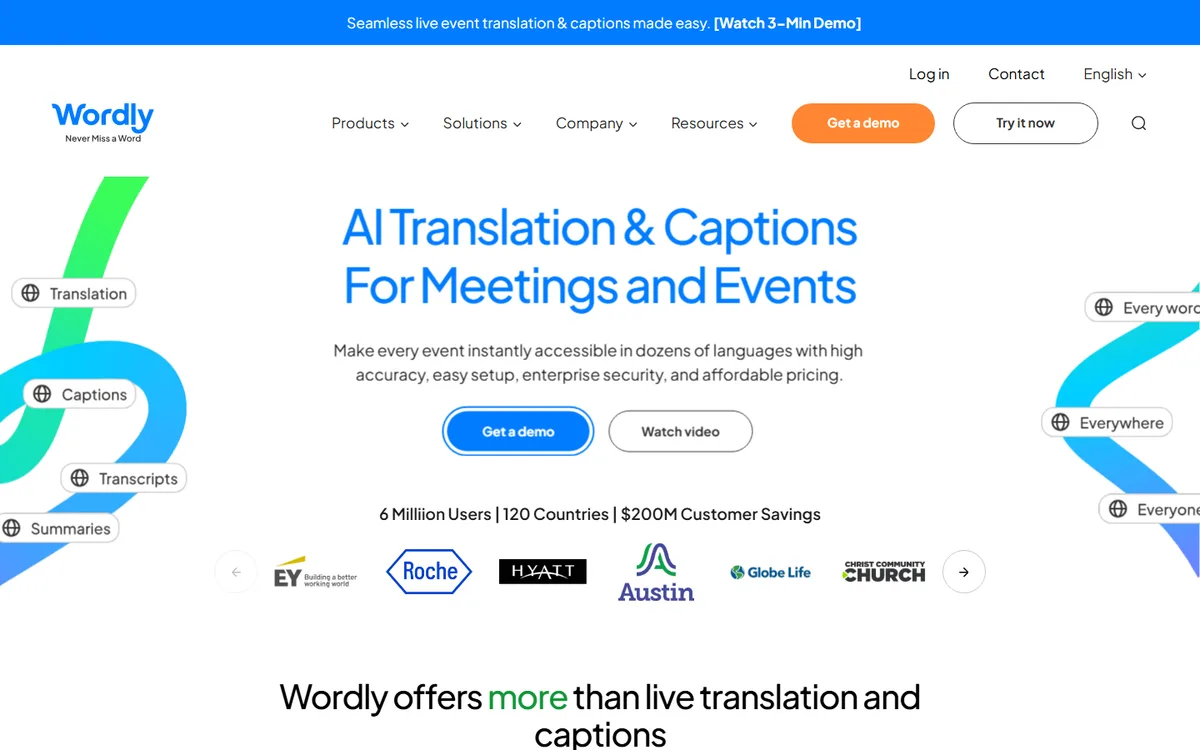
Wordly is an AI translation and captioning product for meetings and events. Its practical model is to take program audio from an in-person room, webinar, or meeting platform and make language choices available to attendees. The official site describes live translation and live captions during an event, then transcripts, summaries, subtitles, and AI dubbing after it. That timeline matters. Wordly can contribute to a live language-access plan and to an on-demand localization plan, but those are not the same delivery promise.
For the live path, an attendee can use a phone, tablet, or computer, choose a language, and read or listen. Wordly says it supports dozens of speaker and attendee languages and more than 3,000 language pairs. Its language page distinguishes speaker languages from additional attendee languages, so a team should test its actual source language and desired outputs rather than interpreting the pair count as every feature for every direction. The same source says attendees may listen to live translated audio or read live translated subtitles. This is audience-facing translated audio, not a claim that the original program audio has been permanently replaced.
What “live” means here
Native live behavior means a Wordly session is active while the meeting or event is taking place. The official platform material describes on-demand, 24/7 AI translation and caption output, and attendees enter through a link or QR code. It lists in-person, virtual, hybrid, and webinar use. The homepage specifically names Zoom, Teams, Google Meet, Webex, and direct audio-mixer connections. Organizers can also put captions on room monitors; that display is live captions, which may be same-language or translated text depending on session configuration.
The after-event items should be kept out of a live run-of-show. Wordly lists transcripts and summaries after an event, and its pricing page separately lists video captions and subtitles as an optional item. It also says voice transcripts can be downloaded as MP3 files in Wordly languages to dub videos. Those statements support a post-production dubbing workflow, not live dubbed speech returned into a broadcast feed. If a show needs real-time multilingual audio, confirm the live translated-audio path in rehearsal and give attendees a device and headphone plan.
Integration and operational fit
Wordly documents a developer center with REST APIs, iFrame delivery, and RTMP streaming. The developer API requires a Wordly account and allow-listing before a developer key can be created. API availability is documented, but not open self-service access. Ask which endpoint and path matches the use case, how audio is routed, and whether a browser player, iframe, webhook, or RTMP route is appropriate. Glossaries can boost, block, or replace organization-specific terminology; load names and acronyms before rehearsal rather than treating a glossary as a guarantee.
Use Wordly for a recurring conference, town hall, training series, or meeting program where attendees need live text and AI-translated audio without scheduling human interpreters. It is less suitable when the requirement is human interpretation for high-stakes nuance, a conversational multi-party audio experience, or one finished video needing a reviewed localized soundtrack.
Pricing is visible but not a simple per-language rate: the current page says packages start at about USD 1,500 and are based on purchased hours, with a 10-hour minimum in its FAQ. No durable free plan or trial allowance appears on reviewed sources, so free access is unknown. Before committing, test noisy audio, overlaps, terminology, language pairs, join flow, caption display, audio delay, and a recovery plan for lost network or program audio.
 AI Live Video