Editorial notes
OBS Studio at a glance
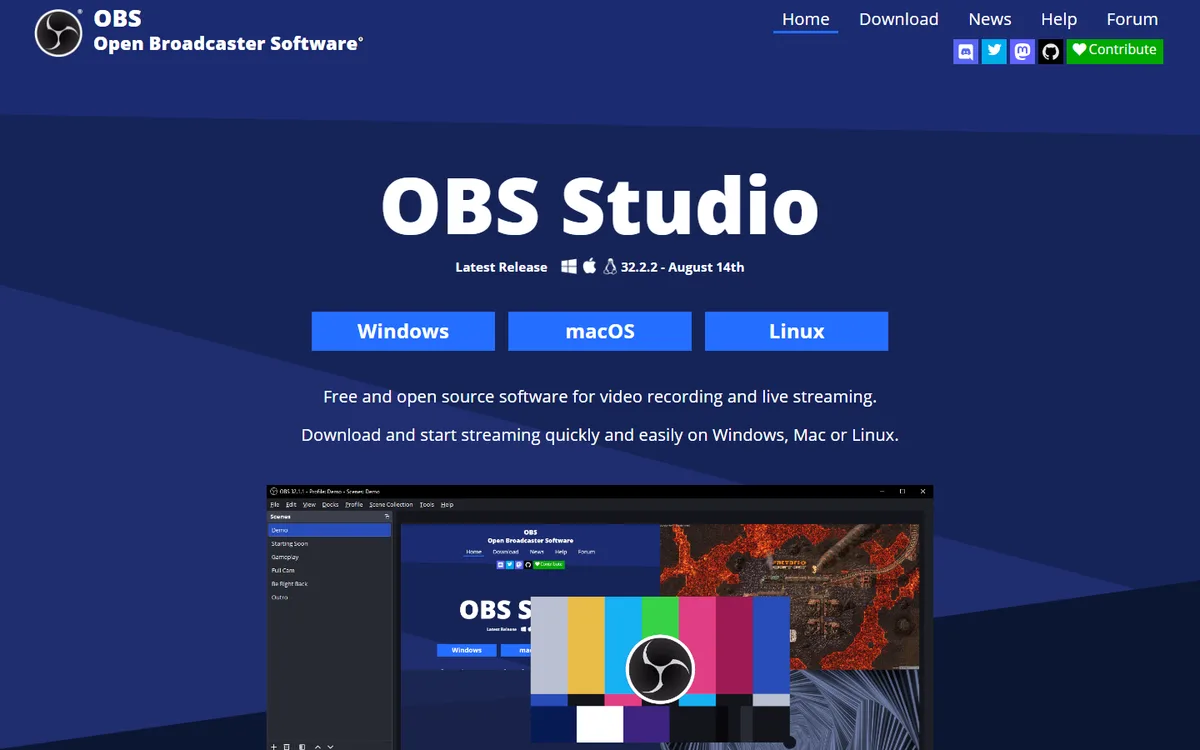
OBS Studio is a desktop application for assembling a live program from locally available sources and sending it to a streaming service or recording it to disk. The official project describes free and open-source software for video recording and live streaming on Windows, macOS, and Linux. It is an encoder and mixer running on an operator’s machine, not a hosted browser studio and not a service that distributes one feed to many destinations by itself.
Its real-time role is concrete: capture windows, cameras, capture cards, images, text, browser sources, and audio; arrange them into scenes; switch those scenes; encode the resulting output; then stream or record it. No part of that description means OBS generates a video scene from a prompt. Filters, transitions, noise suppression, and plug-ins transform or arrange supplied material. They are production tools rather than evidence of a real-time generative model.
Local control room
The official feature page calls out real-time video and audio capture and mixing, unlimited scenes, source filters, custom transitions, hotkeys, Studio Mode, and Multiview. Studio Mode is especially useful for a producer: it lets an operator prepare or alter a scene off-air, preview it, then transition it to the live program. Multiview supports monitoring several scenes and cueing a transition. These are familiar control-room functions, but they rely on an operator who has mapped inputs and practiced the show.
Recording and streaming are separate output concerns. The official overview says OBS can independently configure stream and recording settings in Advanced Output mode, select a recording path and quality preset, and use a hardware encoder when available. It also documents replay-buffer controls. A production should test those choices under the desired resolution and frame rate because CPU, GPU, scene complexity, destination bitrate limits, and upload capacity all affect whether the program stays stable. Compatible hardware does not guarantee a reliable show.
OBS can select included streaming services or a custom streaming server and stream key. That is not multistreaming by itself. To reach several destinations, use a relay, a destination feature, or a tested multi-output method, and account for the bandwidth and policy implications. The software does not supply browser-based guests either; contributors normally enter through a camera, capture, browser source, or another production feed.
Automation and practical limits
OBS has a documented API supporting native plug-ins plus Lua and Python scripts. This is evidence for extensibility, but it is not a claim that every external integration is safe or maintained. Validate each plug-in version, permissions, latency impact, and recovery behavior. The core application does not offer a hosted API business service; scripts run within an operator-managed desktop environment.
Captions are also not built into this profile as automatic live transcription. OBS can display text or browser content and can be extended with plug-ins, but that should not be written as native ASR, translation, or compliance output without separate evidence. Similarly, the project’s real-time media mixing is not real-time video generation.
Choose OBS Studio when a team needs local hardware inputs, source layering, audio routing, recording control, and a configurable operator workflow. Choose Restream or StreamYard when browser guests or managed distribution are more important, and Streamlabs Desktop when a creator wants a more packaged desktop experience. Rehearse scene switching, local recording, destination reconnects, and performance headroom.
 AI Live Video