Editorial notes
VEED Live at a glance
VEED’s current official meeting-and-communication material documents a browser workflow that can take a meeting live to multiple platforms and automatically record the stream. That is the basis for inclusion here: it can support a live production workflow whose source is a meeting, screen, webcam, or presentation, then provide an immediate recording for editing and sharing. It is not a desktop encoder, a dedicated broadcast switcher, or a service that creates live video frames from a prompt.
The broader VEED homepage prominently markets generative video, voices, avatars, and images, so classification needs precision. Those are separate AI creation products and should not be conflated with the documented meeting live-stream path. In this profile, “VEED Live” means browser-based live streaming and recording of supplied audiovisual inputs. Auto-subtitles, Magic Cut, eye-contact correction, background removal, and similar tools are assisted editing or enhancement functions. They do not prove a continuously generated live show.
What happens while a meeting is live
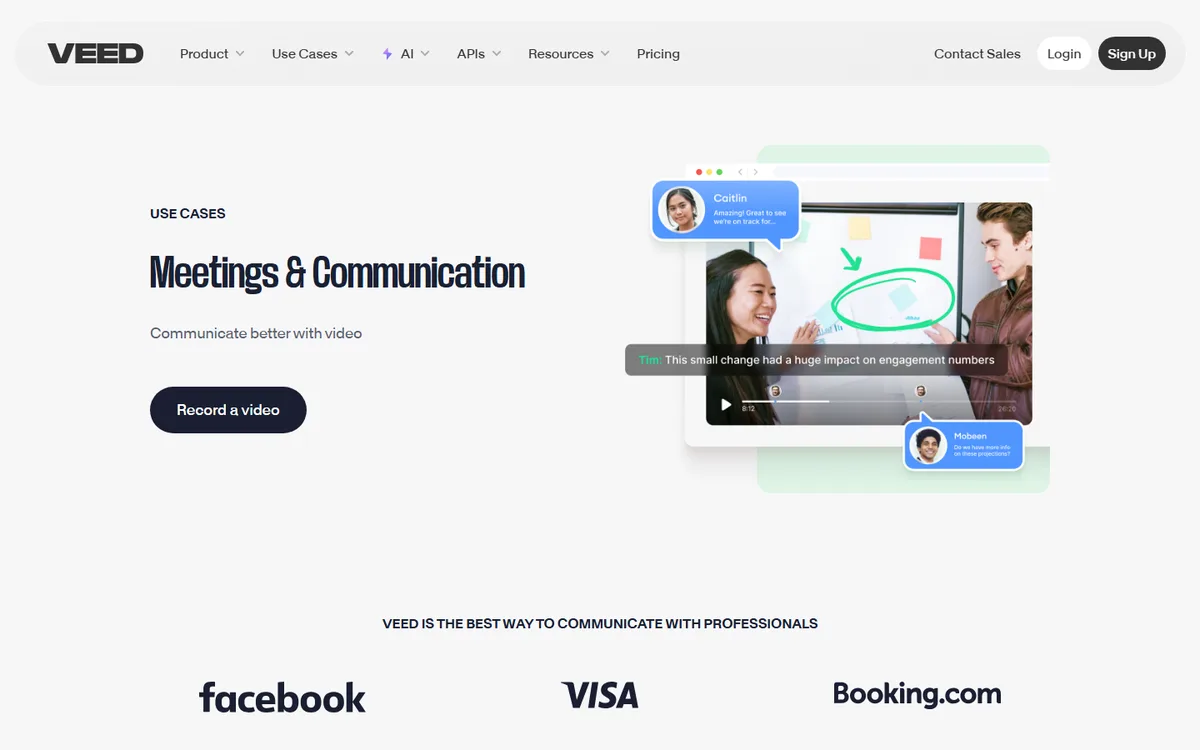
The official meeting page says a team can stream a meeting live on multiple platforms and that live streams are automatically recorded. It also says users can upload a presentation, annotate videos, start a screen or webcam recording, and go live in one click. This makes VEED suitable for a lightweight product update, internal town hall, training session, or presenter-led communication where a browser workflow and later editing are central.
The source does not establish VEED as a replacement for a local production truck. It does not document complex capture-card routing, advanced audio buses, replay, a local plug-in chain, or operator-grade source switching in the way OBS Studio does. If an event requires those functions, produce the program with a desktop encoder or specialist mixer and use VEED only in a clearly tested recording, editing, or publishing role. Likewise, a multistream statement does not guarantee every destination’s login, bitrate, vertical/horizontal format, rights policy, or chat behavior.
Automatic recording should be treated as a convenient archive, not as an untested disaster-recovery plan. Confirm where files are stored, their retention, source resolution, download access, watermark behavior, and whether the record includes all audio participants. Keep an independent master when the event is high stakes. Browser permissions, network quality, presentation sharing, and participant device selection all deserve a rehearsal.
AI, captions, and integration boundaries
The cited meeting page establishes a browser meeting workflow with supplied screen or webcam material, multi-platform live delivery, automatic recording, presentation upload, and annotation. It does not establish a live caption-compliance service, live translation, or real-time generative video. Any later editing is a separate workflow around the recorded material, so production requirements must describe its timing and review process rather than treating it as part of the live output.
Pricing is intentionally cautious. VEED’s official page says free users can create and edit, with subscription-dependent limits, while premium subscriptions add tools. The reviewed pricing and live pages do not state a durable live-production destination allowance or a complete live-specific price card, so this profile does not invent one. API availability for the documented live workflow is also unknown: the homepage’s references to video APIs do not establish that this particular meeting-streaming product has a public production API.
Choose VEED when a team values a browser meeting-to-stream path and rapid editing or repurposing of its recording. Choose StreamYard or Restream for a more explicit browser live-show and multistream workflow, OBS Studio or Streamlabs Desktop for local encoding and deeper source control. Rehearse destination connections, presenter capture, recording recovery, subtitles, exports, and the separation between live output and later AI-assisted editing.
 AI Live Video