Editorial notes
StreamYard at a glance
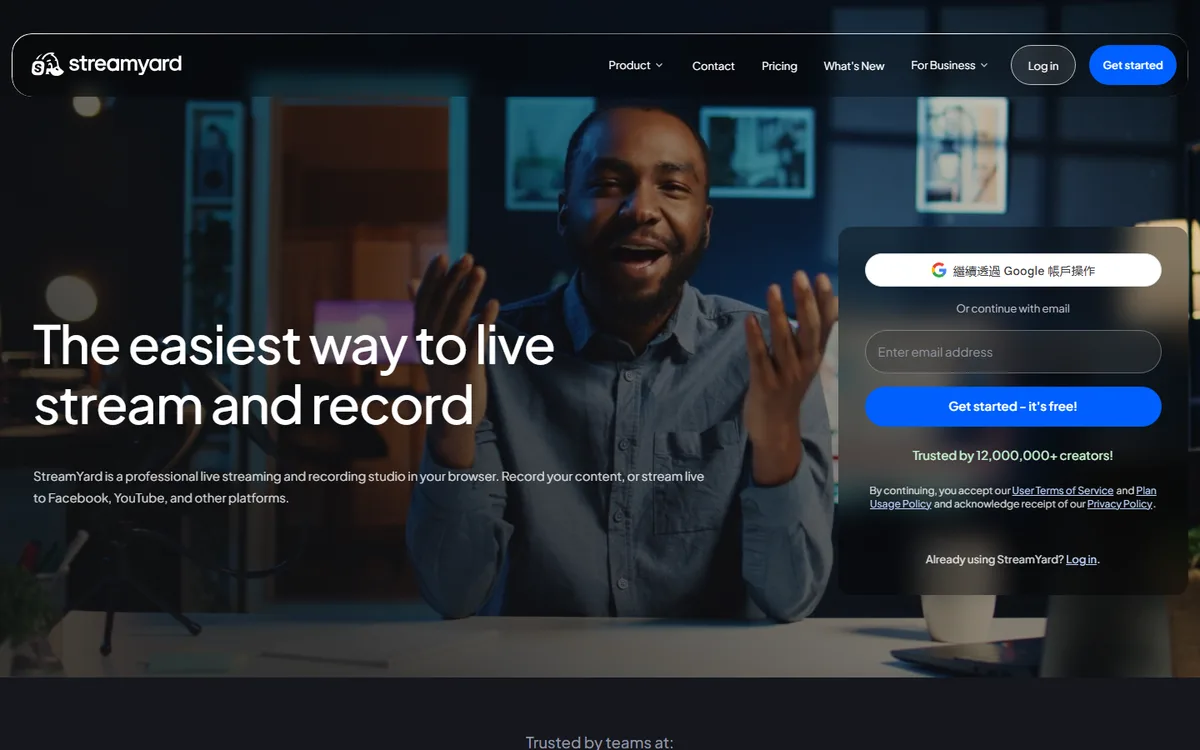
StreamYard is a browser control room for live shows, not a desktop capture-and-encoding application. A host opens a studio in a browser, invites guests with a link, arranges people and media into layouts, then sends the composed program to selected destinations. That makes it practical for interviews, panel discussions, webinars, and podcasts where quick guest entry matters more than a deeply customized local production stack.
Its real-time contribution is switching and delivery of sources that participants or producers provide. StreamYard does not turn a script into a continuously generated scene. The product promotes AI clips and AI backgrounds on certain plans, but those are assisted repurposing or visual tools around a conventional workflow. A production plan still needs to name the cameras, screens, media, operators, and destinations making up the broadcast.
Browser show workflow
The official site identifies guests, recording, multistream, branding, webinars, engagement, and repurposing as core uses. This gives a producer a direct path from guest invitation to layout and destination output without requiring guests to install an encoder. It also means a show depends on browser permissions, a guest’s camera and microphone selection, and each participant’s network quality. Ask contributors to join early, use headphones, close bandwidth-heavy applications, and keep a dial-in or pre-recorded fallback for essential speakers.
The multistream page says StreamYard is cloud-based: a device sends one stream and StreamYard distributes it to destinations. It lists direct integrations with Facebook, YouTube, Instagram, LinkedIn, X, Twitch, Kick, and Brightcove, plus RTMP destinations. That routing can avoid multiplying producer upload, but it does not eliminate platform-specific account permissions or ingest rules. The same page lists up to eight destinations on Advanced and Teams, three on Core, and one on Free; confirm the currently selected plan before a show.
For a hybrid event, StreamYard can receive a presenter camera and screen directly, while a more complicated stage feed may arrive from elsewhere. Unlike OBS Studio, it is not the local place to capture arbitrary windows, manage hardware encoder settings, or build a plug-in chain. When capture cards, isolated audio buses, advanced replay, or a vision mixer are needed, produce upstream and use a distribution service only where it has a clear role.
Recording, AI labels, and integration boundaries
The pricing page lists live-stream recording, unlimited local recording, cloud recording, storage, and custom layouts on paid tiers. Recording is useful for review and repurposing, but a browser-hosted archive should not be the only master when loss is unacceptable. Confirm retention, storage entitlement, source isolation, and export route. “Automatically recorded” is not a substitute for a tested archive and recovery policy.
AI clips can help a social team create a shorter asset and AI backgrounds can alter presentation. Neither statement proves StreamYard creates the show’s live frames from prompts. It remains production infrastructure with bounded AI assistance. No public developer/API documentation was found in the reviewed source set, so API availability is unknown rather than inferred from browser access or integrations.
Choose StreamYard when a human-operated browser workflow is sufficient; compare Restream for a browser studio with documented asset operations, and OBS Studio or Streamlabs Desktop when local encoder control is the priority. Rehearse participant joins, destination authorization, aspect ratio, recording recovery, and moderator roles before going live.
Record a short dry run before the published event.
 AI Live Video